Hosting at a glance
See your plans, usage and renewals without hunting through menus.
Free app · no app store needed
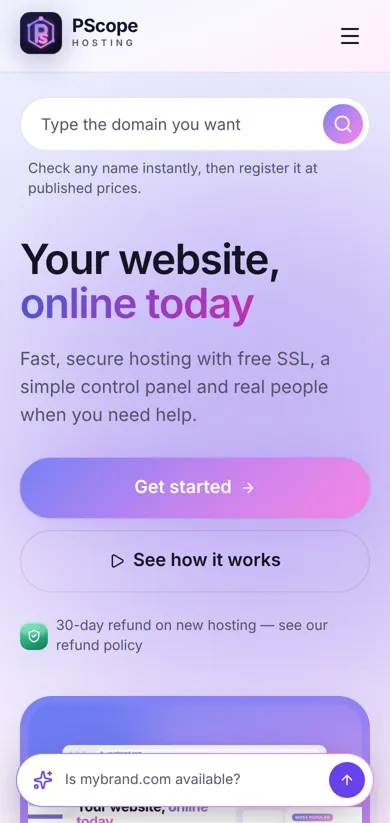
Your websites, domains and hosting in your pocket. Check if a site is up, renew a domain or open a support chat — in one tap from your home screen.

Open PScope in Chrome
Tap "Install PScope" above
Open it from your home screen
See your plans, usage and renewals without hunting through menus.
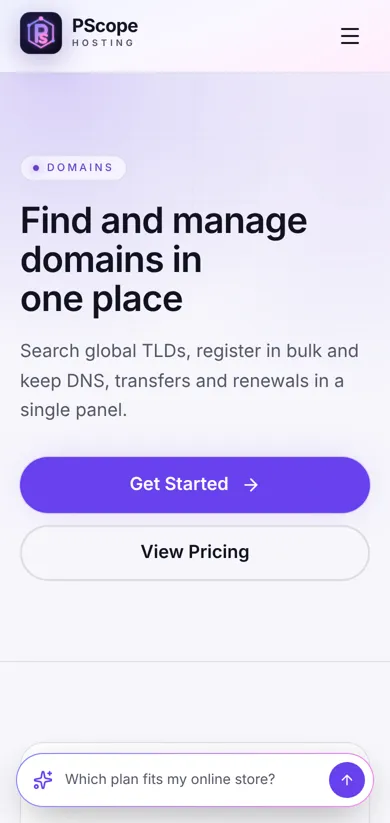
Search, register and renew domains, and edit DNS from your phone.
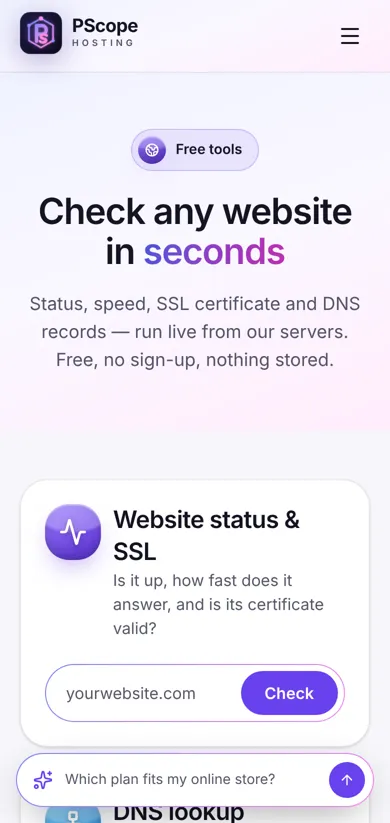
Status, SSL and DNS checks plus calculators — always one tap away.
Open a support ticket or ask a question wherever you are.
Yes. The PScope Hosting app is free to install and use.
No. The app installs straight from your browser, takes almost no space, and updates itself automatically.
Yes. Sign in with the same account; everything stays in sync between the app and the website.
Remove it like any other app: press and hold the icon, then choose Remove or Uninstall.